




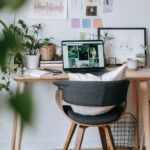
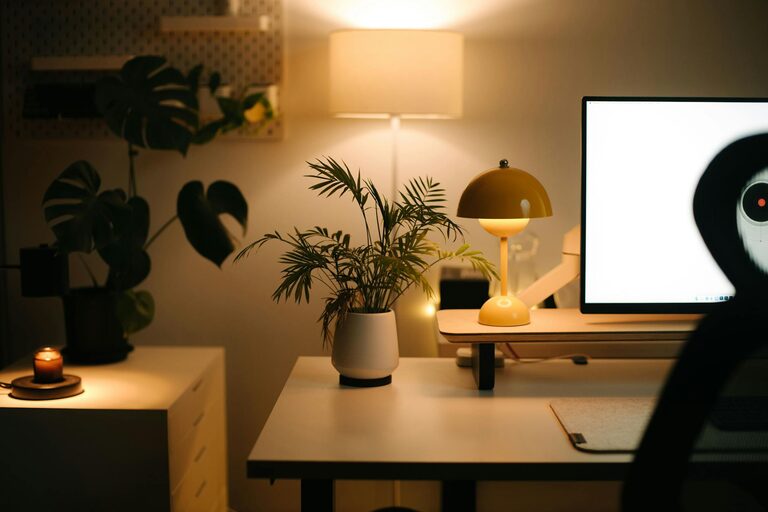
Creating a home office that is both cozy and functional is essential for maintaining productivity and comfort throughout your workday. Whether you work from home full-time or need a dedicated spot for occasional tasks, designing a space that inspires focus and relaxation can make a big difference. This guide offers practical tips to help you craft a welcoming and efficient home office.
Choose the Right Location
Consider Natural Light
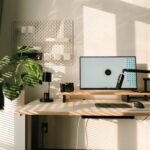
Natural light positively impacts mood and energy levels. Try to set up your office near a window to take advantage of daylight. If this isn’t possible, opt for bright, adjustable artificial lighting to reduce eye strain.
Find a Quiet Spot
Minimize distractions by picking a quiet corner or room where household noise is less likely to interrupt your workflow. This will help you maintain concentration during important tasks.
Invest in Comfortable Furniture
Ergonomic Chair
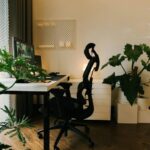
An adjustable ergonomic chair supports your posture, reducing back and neck strain. Look for chairs with lumbar support, adjustable height, and comfortable cushioning.
Functional Desk
Choose a desk that fits your space and work style. If you use multiple devices, ensure the desktop is large enough to accommodate them without clutter. Consider options with built-in storage for organizing supplies.
Organize Your Workspace
Declutter Regularly
Keep only essential items on your desk. A clutter-free environment fosters clear thinking and reduces stress.
Use Storage Solutions
Incorporate shelves, cabinets, or drawer organizers to keep documents, stationery, and electronics neatly stored. Labeling containers can simplify finding things quickly.
Cable Management
Tidy cables with clips or sleeves to prevent tangles and create a clean look. This small step can greatly improve your workspace’s overall feel.
Add Personal Touches
Decorate Thoughtfully
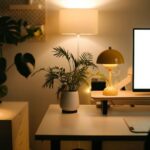
Incorporate plants, artwork, or personal mementos that inspire and comfort you. Greenery, for example, adds a natural element and can improve air quality.
Choose Calming Colors
Soft, neutral tones or your favorite calming color can create a relaxing atmosphere conducive to focus. Avoid overly bright or distracting hues.
Optimize Technology
Reliable Equipment
Invest in a good-quality computer, monitor, and accessories such as a keyboard and mouse that suit your preferences. Ensure your internet connection is stable for seamless virtual meetings.
Balance Screen Time
Remember to take breaks following the 20-20-20 rule: every 20 minutes, look at something 20 feet away for 20 seconds to reduce eye fatigue.
Incorporate Multi-Functional Elements
Flexible Furniture
Consider furniture that can serve multiple purposes, like a desk with adjustable height for sitting or standing.
Space for Breaks
If space allows, add a small cozy chair or cushion where you can step away from your desk for short breaks to refresh your mind.
Maintain Good Air Quality and Comfort
Ventilation
Keep your office well-ventilated to help stay alert. Open windows or use an air purifier if needed.
Temperature Control
Adjust room temperature to a comfortable level. Use a fan, heater, or humidifier depending on your climate to maintain an ideal environment.
Establish a Routine
Dedicated Work Hours
Set clear start and end times for your workday to balance productivity and rest.
End-of-Day Tidying
Spend a few minutes organizing your workspace before finishing for the day. This sets a positive tone for the next session and helps transition out of work mode.
—
By applying these tips, you can design a home office space that nurtures both comfort and efficiency. Remember, the best home office is one that reflects your personal needs and preferences, making each workday more enjoyable.